

Getting started
Install
Install the Custom New Tab extension for Chrome. No sign-up required.
How to use
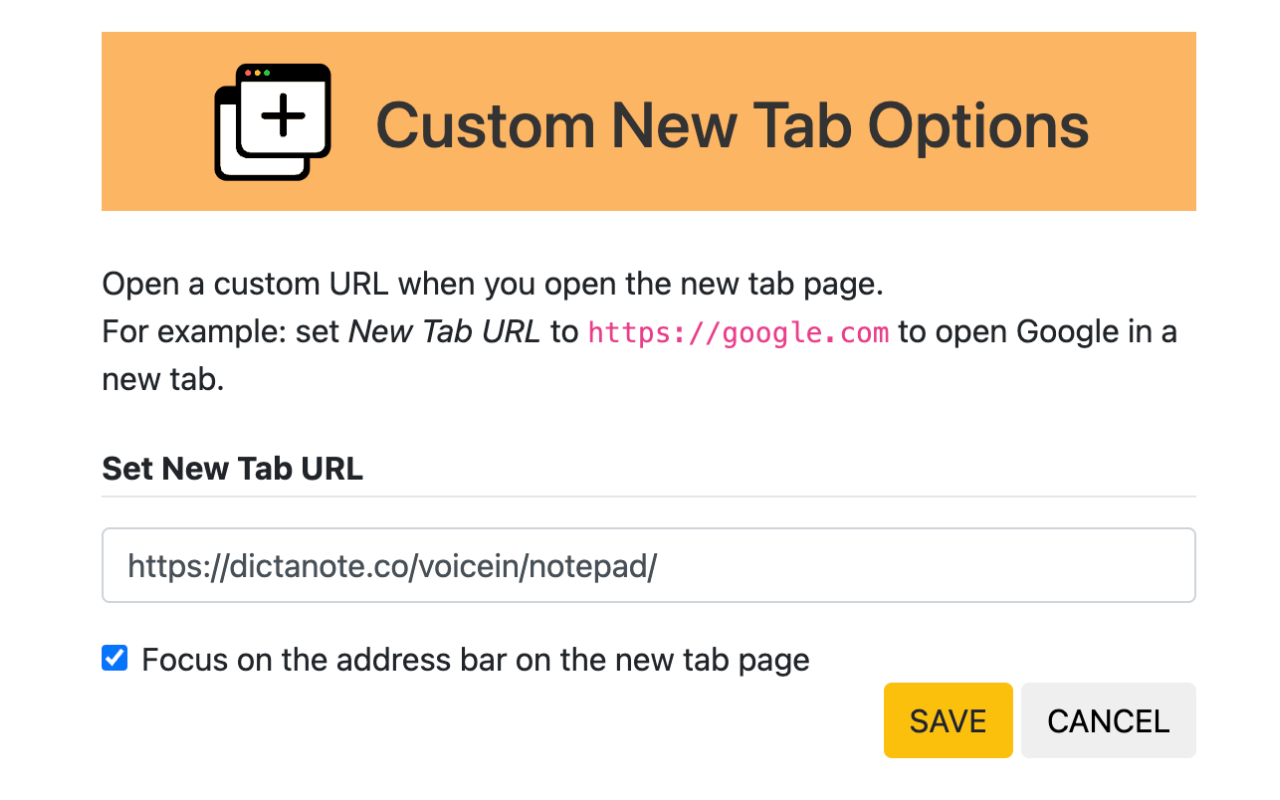
Open the extension’s options page (right-click its icon and choose Options) and set the new tab URL. It can be a web address like https://google.com, or a local file path like file:///C:/Documents/test.html.
Spread the word
If Custom New Tab is useful to you, please tell others about it.