
Your new tab, any URL.
Chrome doesn’t let you change the new tab page, and extensions don’t run on it. Custom New Tab opens the page of your choice instead: Google.com, your company’s homepage, a blank page or a file on your computer.
- Under 50 KB. Grammarly, for comparison, is 36 MB
- No ads, no account
- Works in Chrome and Microsoft Edge
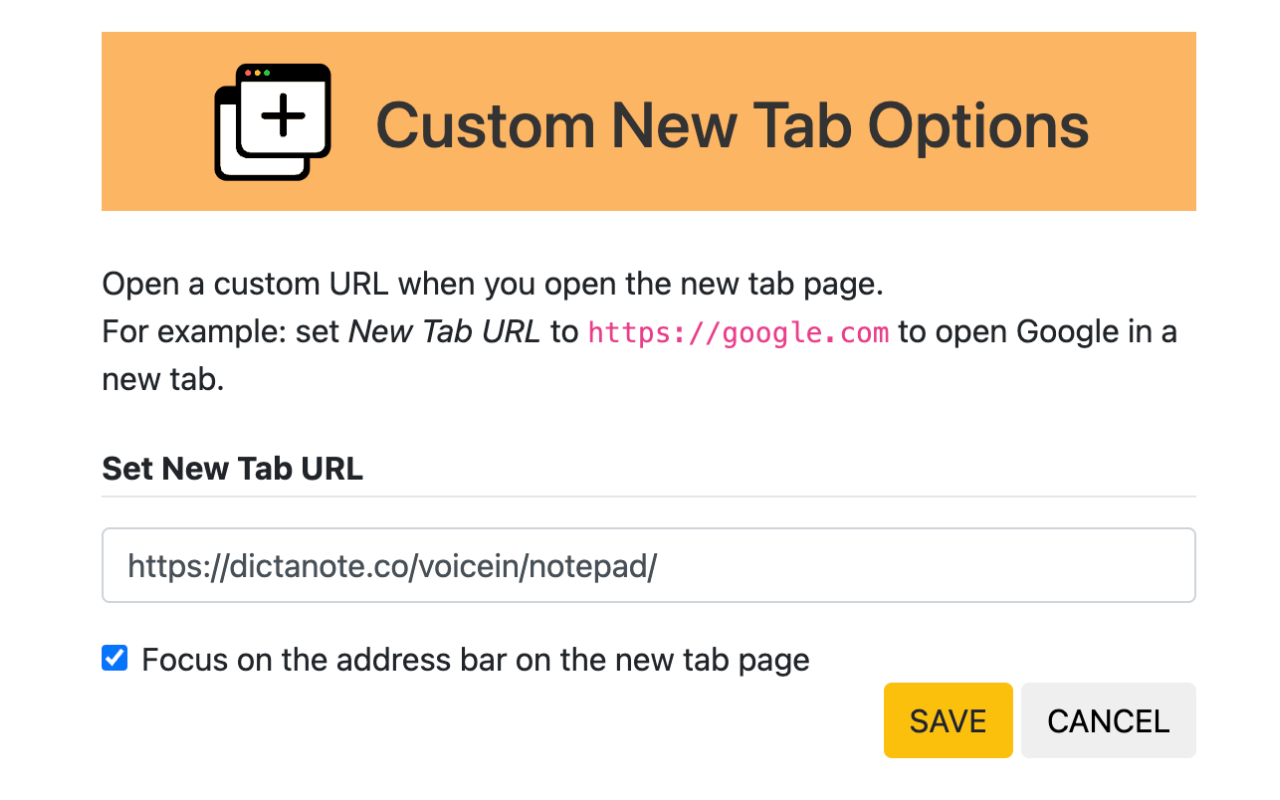
Open whatever you start with.
Search
Google.com
The plain Google homepage, without Chrome’s custom search page.
Work
Your intranet
Your company’s homepage, dashboard or task list, one keystroke away.
Focus
A blank page
Nothing to distract you when you open a tab.
Offline
A local file
Any HTML file on your computer, using a file:// path.
Set up in a minute
More in the getting started guide
-
1
Install the extension
Add it from the Chrome store. It’s free.
-
2
Open its options
Right-click the extension icon and choose Options.
-
3
Enter a URL
Every new tab now opens it. Change it whenever you like.
Also from Dictanote
Small, focused tools from the same team. Free to try.
Make the new tab
yours.
 Add to Chrome
Free for Chrome and Edge.