 AudioScribe pricing
Speak your mind.
Let Pro do the writing.
From daily journals and fresh ideas to meeting notes, emails and documents, turn what you say into writing you can use. Go Pro for unlimited notes, longer recordings and custom styles that make your words feel like you.
From the makers of Dictanote, rated 4.4/5 from 800+ reviews
Free
For trying AudioScribe on short, everyday notes.
No credit card required
Free forever. Upgrade anytime.
Includes:
- 10 notes every month
- Up to 3 minutes per note
- AI clean-up: punctuation added, filler words and repetition removed
- Built-in writing styles
- Dictate in 20+ languages
- Export to Word, PDF, Markdown and text
- Works in your browser, on phone and desktop
Pro
For people who think out loud every day: meetings, lectures, journaling, drafts.
$59.99 billed yearly · you save $35.89
Billed monthly · cancel anytime
30-day money-back guarantee · Cancel anytime
Everything in Free, plus:
- Unlimited notes, up to 15 hours of audio a month
- Up to 30 minutes per note
- Upload audio files from your phone or recorder (MP3, M4A and more)
- Custom writing styles that learn from a sample of your writing
- Special words so names and jargon are spelled right
- Precise Writer, our most faithful AI writer
- Restyle or translate any saved note
- Super Summaries: combine several notes into one
- Quick selection: pick a style after each recording
- Priority support, reply within a day
Secure checkout by Stripe. Cards, Apple Pay and Google Pay accepted. Prefer PayPal? Pay with PayPal →
30-day money-back guarantee
Upgrade with confidence. If AudioScribe Pro isn't right for you, email support@dictanote.co within 30 days of your purchase and we'll refund you in full.
What you unlock with Pro
More room for your ideas. More ways to make them yours.
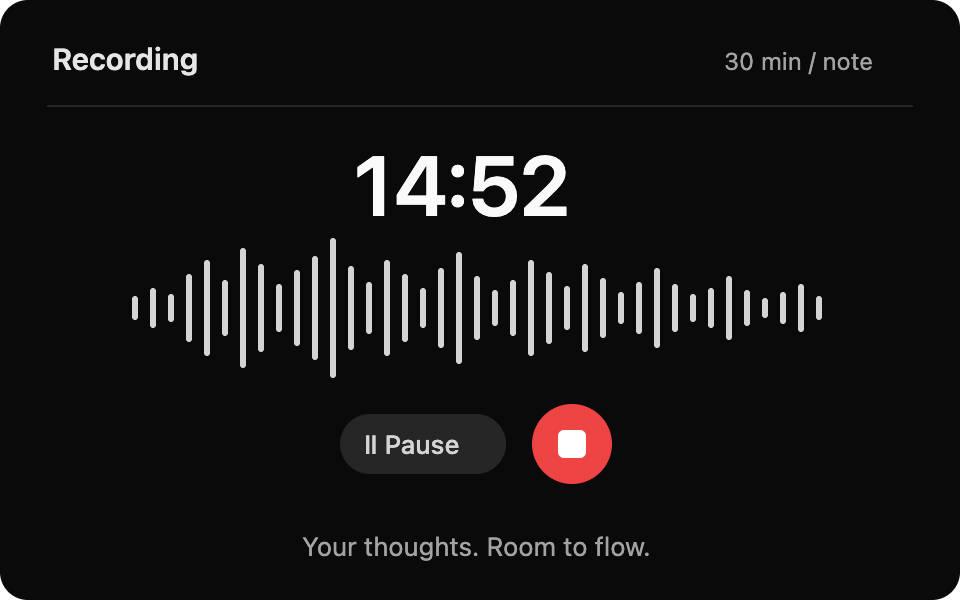
Long, unlimited notes
Record as many notes as you want, up to 30 minutes each. Make room for daily reflections, meeting debriefs and your next big idea.
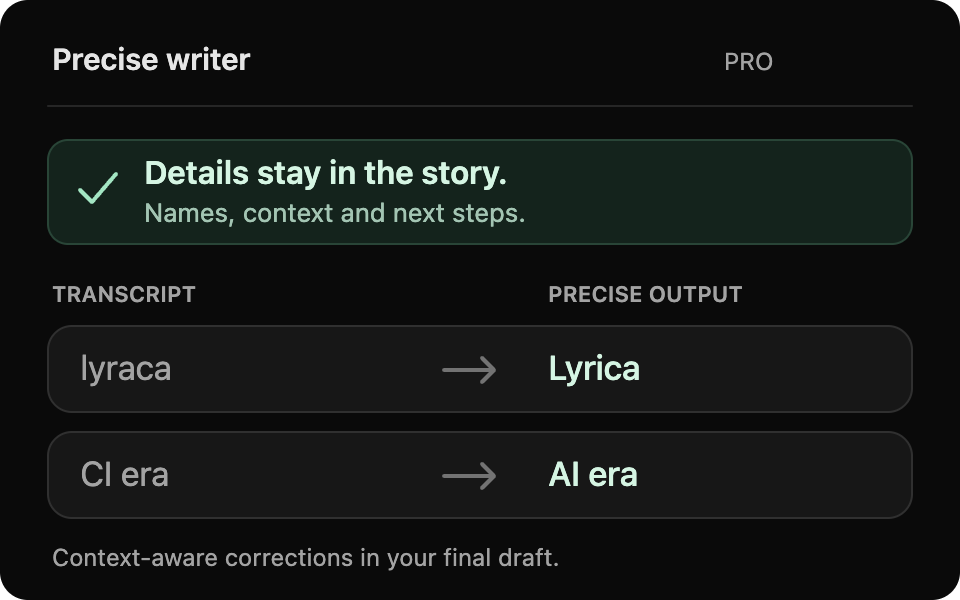
Precise: every detail matters
Our most accurate writer preserves the details in your summaries and uses context to fix transcription mix-ups, like “lyraca” → “Lyrica” or “CI era” → “AI era”.
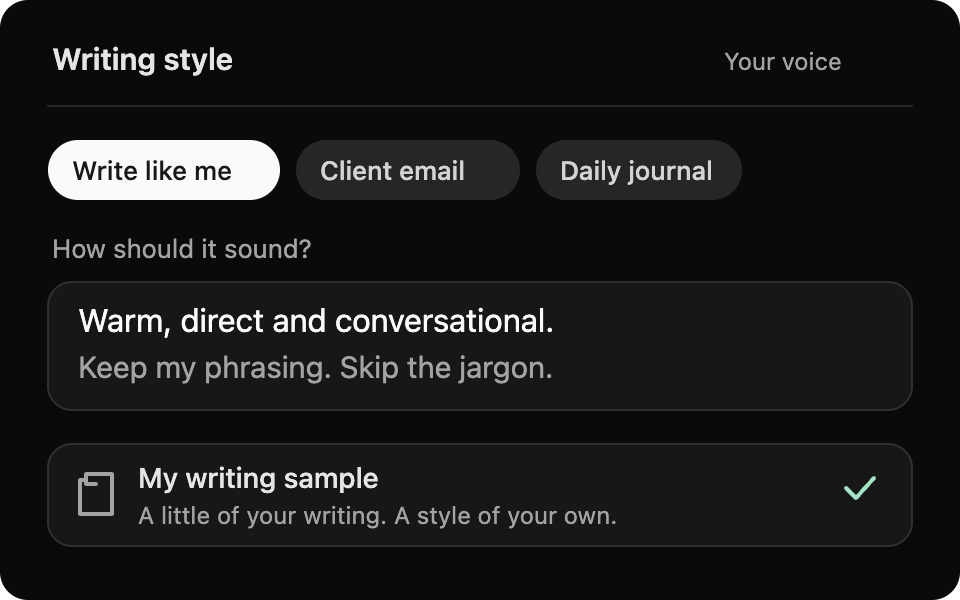
Writing that sounds like you
Create styles for your journals, client notes or emails. Add a writing sample so AudioScribe can match your tone and phrasing.
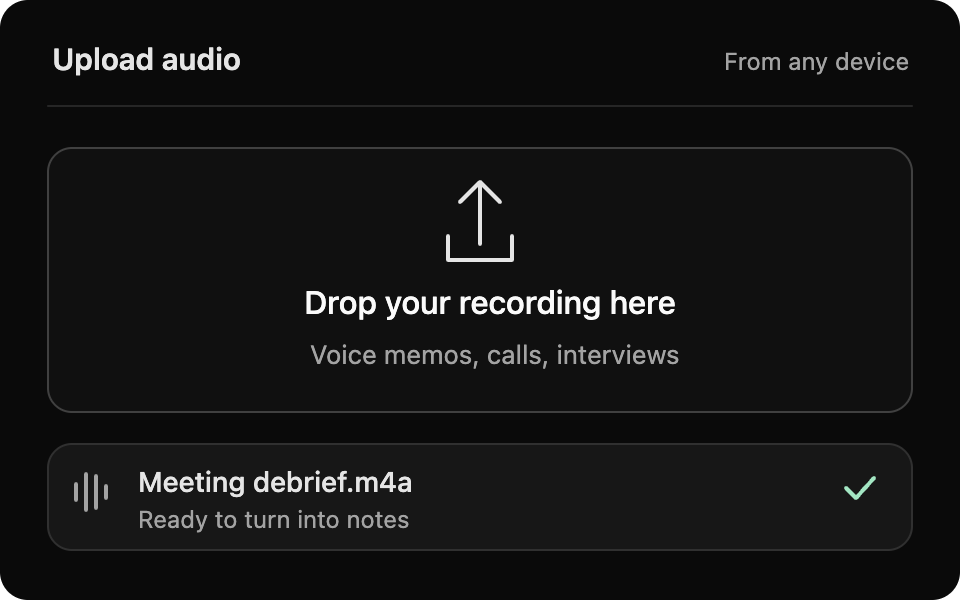
Upload existing recordings
Give your voice memos, interviews and saved recordings a second life. Upload your audio and turn it into clear, useful writing.
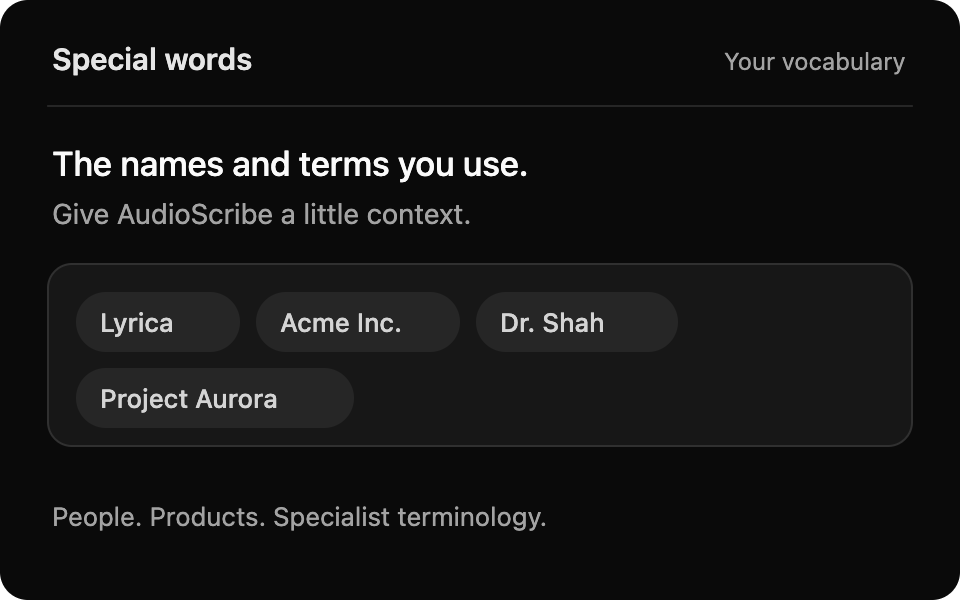
Your words, recognized
Add the names, products and specialist terms you use. Give AudioScribe the vocabulary it needs to get your words right.
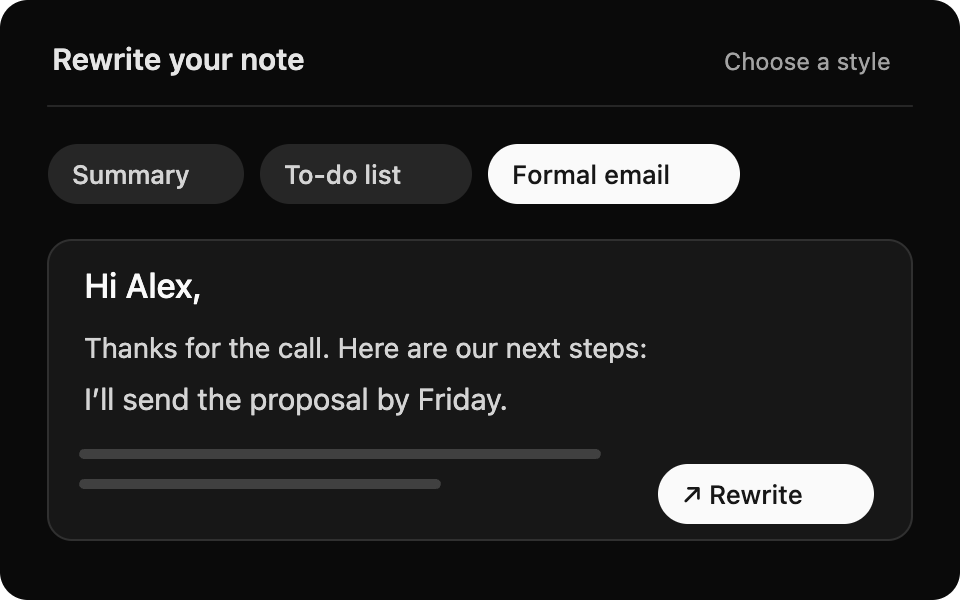
One note. So many possibilities.
Speak first, choose a style when you’re done. Revisit any note to turn it into a summary, email or to-do list, or rewrite it in another language.
Compare plans
Everything that's in Free and Pro, side by side.
| Feature | Free | Pro |
|---|---|---|
| Recording | ||
| Notes per month | 10 | Unlimited |
| Length per note | 3 min | 30 min |
| Audio per month | 30 min | 15 hours |
| Upload audio filesMP3, M4A, MP4, WEBM, FLAC · up to 25 MB | Not included | Included |
| Type or paste text notes | Included | Included |
| Dictation languages | 20+ | 20+ |
| Web app, phone home screen and Chrome side panel | Included | Included |
| AI writing | ||
| Clean-up, rewrite and auto-title | Included | Included |
| Choose how much is rewrittenfrom a light clean-up to a full rewrite | Included | Included |
| Built-in writing styles | Included | Included |
| Custom writing styleswith a sample of your own writing | Not included | Included |
| Special wordsnames, brands and jargon | Not included | Included |
| Precise Writerkeeps more of what you said | Not included | Included |
| Restyle or translate saved notes | Not included | Included |
| Super Summariescombine several notes into one | Not included | Included |
| Quick selection of style after recording | Not included | Included |
| Your notes & privacy | ||
| Export to Word, PDF, Markdown and text | Included | Included |
| Delete audio after processing | Included | Included |
| We never train AI on your notes | Included | Included |
| Support | ||
| Help center and email support | Included | Included |
| Priority support, reply within a day | Not included | Included |
Loved by people who think out loud
Students, professionals and daily journalers use AudioScribe to get ideas out of their heads and onto the page.
Current morning routine: Walks around the park with AudioScribe.
I’ve tried a ton of different ways to start my morning, but this has been the best.
✅ Exercise, journaling, and sunlight.
I love and use AudioScribe daily. Among the many AI apps I try, few become daily tools, but AudioScribe consistently impresses. It delivers unmatched quality in turning my spoken thoughts into the desired written style. Highly recommend!
This is my favorite AI app for taking notes after meetings. It’s simple, easy to use, and produces high-quality content.
I use it in German. One of the few tools that works great in German.
Frequently asked questions
Can't find your answer? Email support@dictanote.co. We reply to every message.
Plans & features
What's the difference between Free and Pro?
Free gives you 10 notes a month, each up to 3 minutes long, with AI clean-up and the built-in writing styles. It's a real way to try AudioScribe, not a time-limited demo.
Pro removes the limits (unlimited notes, up to 30 minutes each) and adds the features that make AudioScribe write like you: custom styles with a writing sample, special words, Precise Writer, audio uploads, restyling saved notes, Super Summaries and quick selection. See the full comparison.
Is Pro really unlimited?
You can make as many notes as you like. To keep the service fair for everyone, Pro includes up to 15 hours (900 minutes) of audio a month, which is far more than almost anyone records. Need more? Email us and we'll sort it out.
What happens when I reach the free limit?
Your notes stay exactly where they are. You just can't make new ones until your 10 free notes reset on the 1st of next month, or until you upgrade. Free recordings stop automatically at 3 minutes, and what you recorded is still written up.
Where can I use AudioScribe?
Anywhere you have a modern browser. Use the web app at dictanote.co/audioscribe/app, add it to the home screen of your iPhone or Android phone, install it on your computer, open it in the browser side panel with the AudioScribe extension for Chrome and Edge, or launch it from inside the Voice In extension. One subscription covers every device you sign in on.
Which languages are supported?
You can dictate in more than 20 languages, including English, Spanish, German, French, Hindi and Japanese. AudioScribe writes the note in the language you spoke, or translates it into another language as it writes.
Billing
Is there a free trial?
The Free plan is yours for as long as you like, no credit card needed, so you can try AudioScribe before paying anything. When you upgrade, the 30-day money-back guarantee means you can try every Pro feature risk-free.
How does the money-back guarantee work?
If AudioScribe Pro isn't right for you, email support@dictanote.co within 30 days of your purchase and we'll refund you in full. For renewals, if you haven't used AudioScribe since the renewal, you can ask for a full refund within 30 days of the renewal date. See our refund policy.
How do I pay?
- Card: Visa, Mastercard, American Express and most other cards, plus Apple Pay and Google Pay, processed securely by Stripe. We never see or store your card number.
- PayPal: upgrade with PayPal here.
Can I switch between monthly and yearly?
Yes. Yearly works out to $4.99 a month instead of $7.99, a saving of 37%. To switch, email support@dictanote.co and we'll move you over.
How do I cancel?
Go to Account settings and click Cancel subscription. There are no cancellation fees. You keep Pro until the end of the period you've paid for, then your account moves to the Free plan.
What happens to my notes if I cancel?
Nothing. Every note you've made stays in your account and you can still read, edit and export all of them. Free plan limits only apply to new recordings.
Can I get an invoice with my company or VAT details?
Yes. After upgrading, email support@dictanote.co with the name, address and VAT number you need on the invoice and we'll send you one.
Privacy & security
What happens to my recordings?
Your recording is sent to our speech-to-text and AI writing providers only to produce your note. We never train AI models on your audio or notes, and we never sell or share them with advertisers.
Prefer to keep nothing? Turn on Delete audio after processing and the recording is erased as soon as your note is written. Read the details on our AudioScribe privacy page.
Can I export or delete my data?
Yes. Export any note as Word, PDF, Markdown or text, or export all your notes at once as a zip file, on any plan. Deleting your account cancels your subscription and removes your notes and audio.
Help
I need help with AudioScribe
Browse the documentation or email support@dictanote.co. We usually reply within a few hours, and always within a day for Pro customers.
Get your ideas out of your head
and onto the page.
Say them out loud and let AudioScribe turn them into something you can send, share or keep.
30-day money-back guarantee · Cancel anytime